Contents
- Index
View nonlinear characteristic
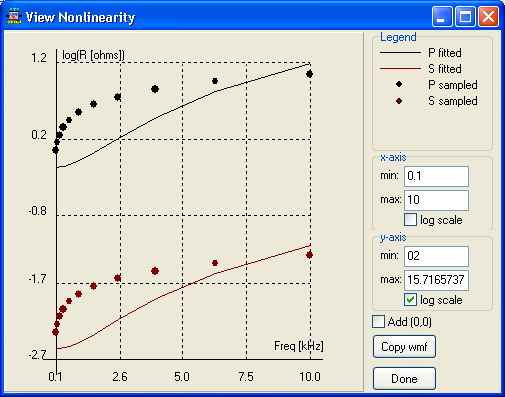
The View Nonlinearity window displays nonlinear characteristics and it could be called from the characteristic page in the standard component dialog box or from the BCTRAN dialog and XFMR dialogs. More than one point is required to display the characteristic. You can specify the min and max axis values and choose a logarithmic scale (min>0). It is also possible to copy the graphic to the Windows clipboard in a metafile format.The Add (0,0) button will add the origo point graphically only.